
Get Yarn Spinner
Unity
Feature-complete version of Yarn Spinner with extensive Unity integration and tooling.
See Unity Options →
Godot
Yarn Spinner for Godot Engine. Full C# support, with GDScript now in Early Access.
See Godot Options →
Unreal Engine
Yarn Spinner for Unreal Engine. Alpha release with narrative tools for Unreal projects.
See Unreal Engine Options →Made with Yarn Spinner
See more games →






















Yarn Spinner for Unity
 Included in Yarn Spinner+
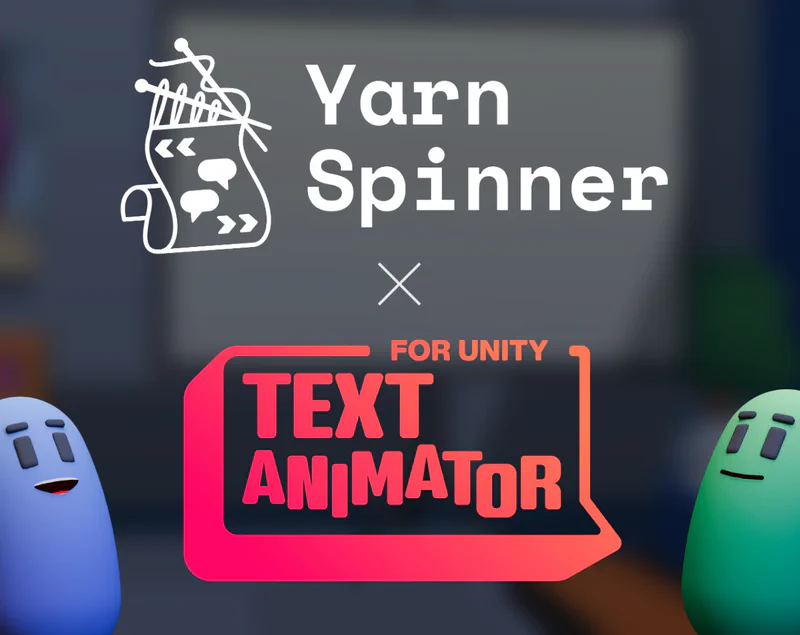
Text Animator for Yarn Spinner
Seamlessly apply animated text effects within your narrative gameplay using unified markup.
- Unified markup system
- Multiple tagging modes
- Works with Text Animator 2 & 3
- Ready-made setup included
 Included in Yarn Spinner+
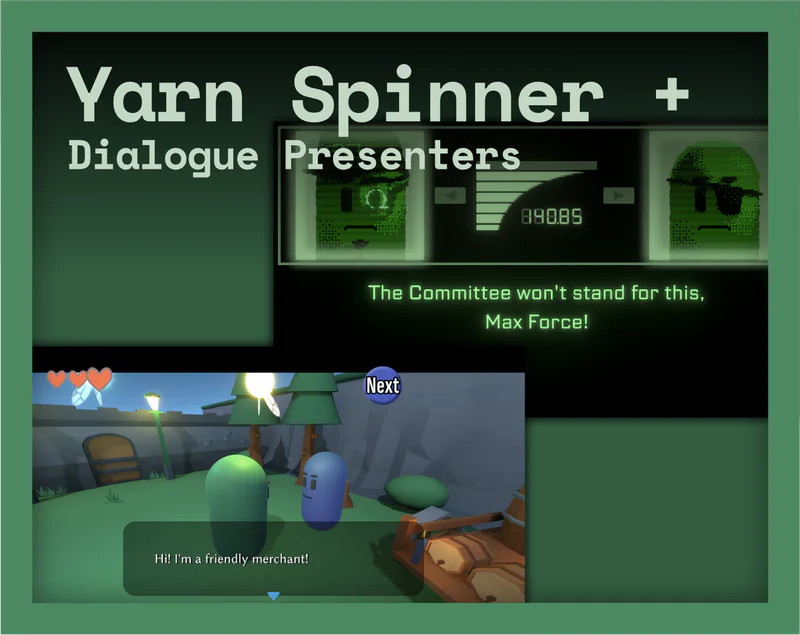
Yarn Spinner+ Dialogue Presenters
A growing collection of ready-made, fully swappable dialogue presenters—the on-screen UI that draws your dialogue. New presenters are added over time.
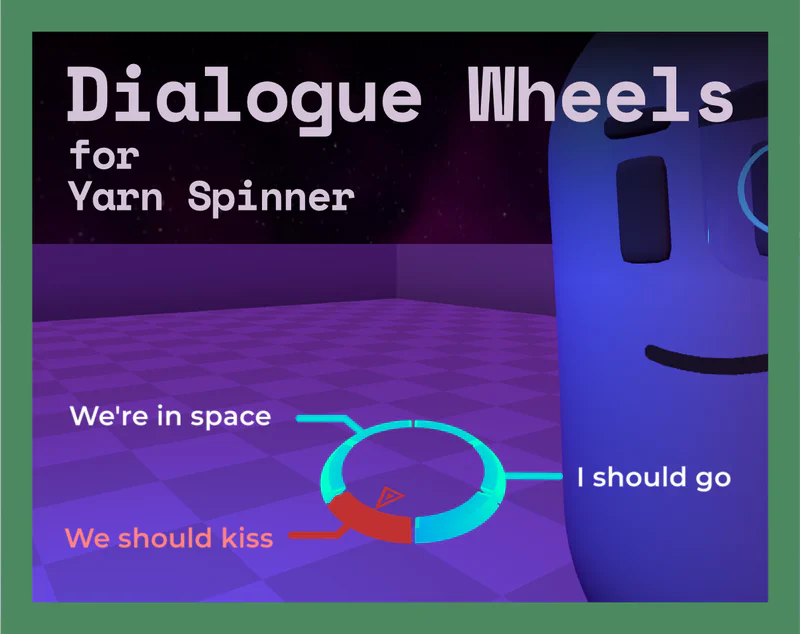
Dialogue Wheel
Ready-made dialogue wheel component for circular dialogue selection interfaces.
- Pre-built dialogue wheel UI
- Seamless Yarn Spinner integration
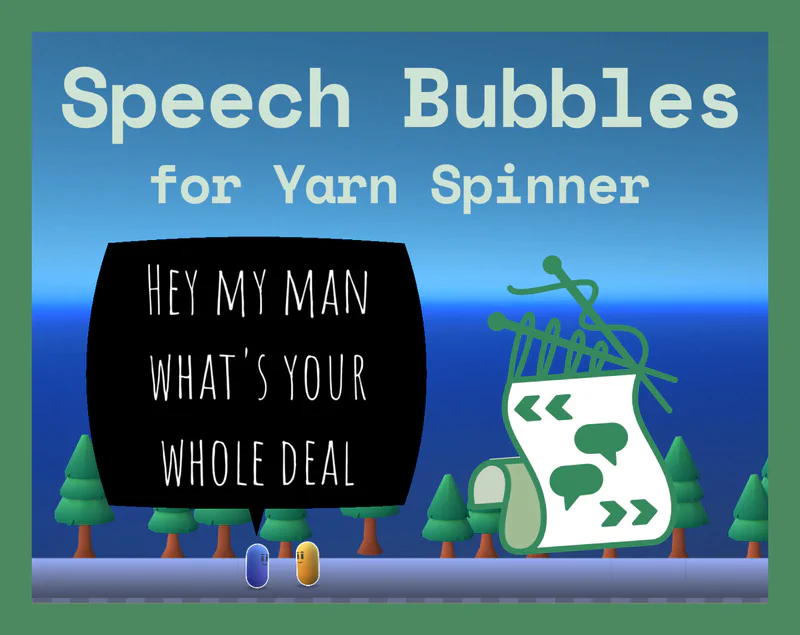
Speech Bubbles
Beautiful, customizable speech bubbles ready to drop into your game. Pre-configured with multiple styles and fully integrated with Yarn Spinner's dialogue system.
- Ready-to-use speech bubbles
- Works with Yarn Spinner
Extend Yarn Spinner for Unity with these optional add-ons. View all add-ons in the docs →
Yarn Spinner for Godot
Yarn Spinner for Unreal Engine
Yarn Spinner will always have a fully free option. Our paid version helps us continue development and support. Read more about our approach →
Features for Everyone
See the Features →"As a writer and narrative designer, Yarn Spinner has become my tool of predilection. It's lightweight but powerful, easy to use and customize and it allows great creative freedom for those who, like me, have a knack for coding. Yarn Spinner runs all of the game's dialogue and branching. The Yarn scripts also call the character and background animations and the scene transitions."
"Yarn Spinner was crucial during the development of Night in the Woods. It was simple to understand and work with, and it's exciting to see how its functionality has been expanded over the years and how useful it's been to other teams!"
"We feed our script through [Yarn Spinner] and it spits out magic. It's given us a lot of flexibility and options with respect to how we present images, video, and audio, and it's made scripting understandable for someone who is most definitely not a coder."
"Buru and The Old People uses Yarn Spinner for all dialogue and branching, as well as some game-specific narrative features. We have a D&D style dice system in the game, so we utilise it for all the roll checks, which are tied to the narrative branches of the game!"
"Yarn Spinner is an essential tool for writing dialogue. Having access to customizable functions, variables, branching dialogue, and much more empowered our writers and programmers to create sophisticated dialogue sequences and cutscenes."
"Letters to Arralla wouldn't be what it is today without Yarn Spinner. Its versatility and customisability was instrumental for so many aspects of our game. While text display is a key feature (and the primary reason we started off with it in the first place), the ability to set up custom commands for Yarn Spinner allowed us to integrate cinematics, UI effects, character emotes/reactions, and a multitude of gameplay systems directly into our yarn files. Our saving system even integrates Yarn Spinner's built in Variable Storage as the primary way to store and load information!"
What's Next for Yarn Spinner?
Curious about where Yarn Spinner is headed? Check out our roadmap and plans for 2026.
View 2026 Roadmap →