
Features
Everything your game's dialogue needs, from the first draft to the shipped game.
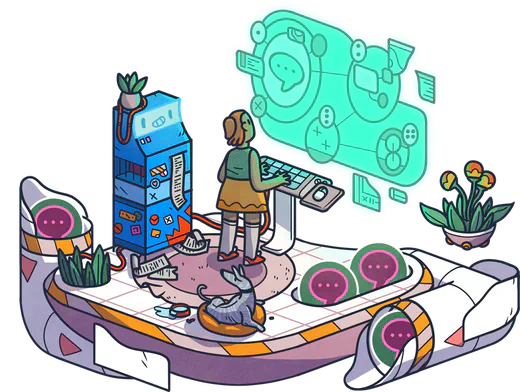

Write and test your dialogue
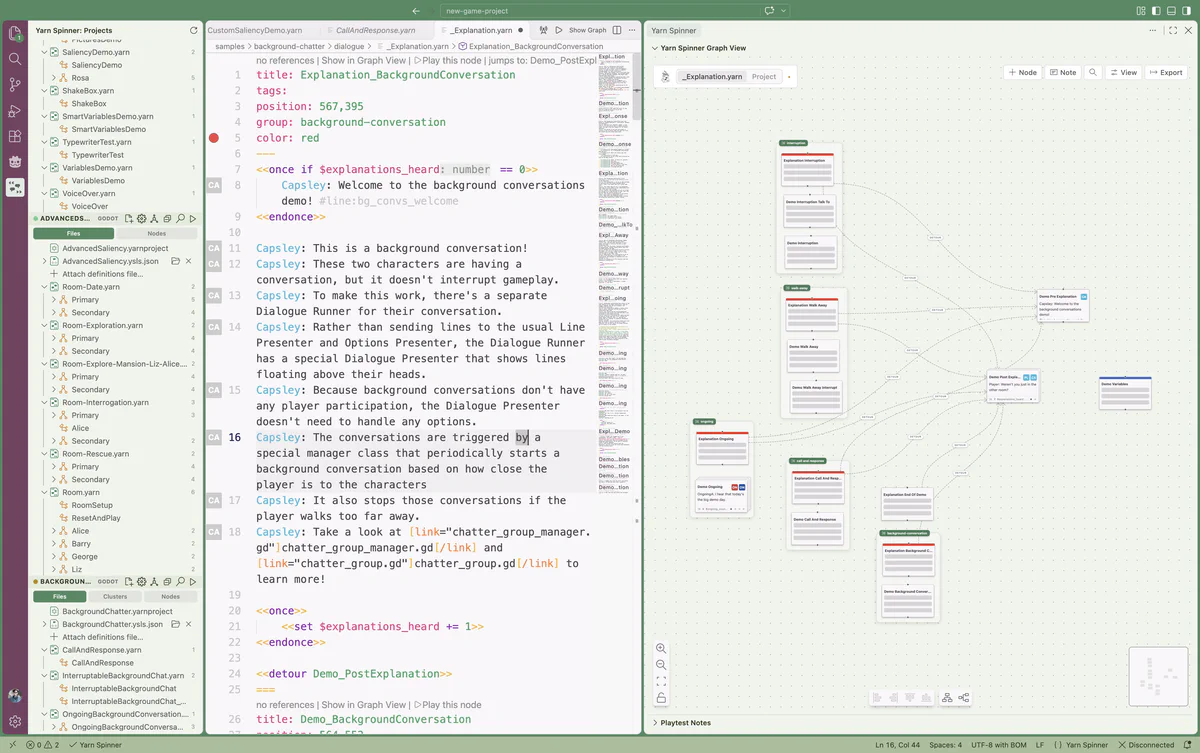
Write in VS Code with the Yarn Spinner extension, or straight in your browser with Try Yarn Spinner.
See your whole story
The graph view shows every node and how they connect. Drag nodes around to arrange your story, and jump from the graph to the script.
Play it as you write it
 Play it as you write it
Play any node without leaving the editor, and try every branch before it goes anywhere near your game. Share a playable version with the rest of your team.
Catch mistakes early
 Catch mistakes early
Syntax highlighting, autocomplete for your node names, variables and commands, and errors shown as you type.
Using VSCodium, or another editor that gets its extensions from Open VSX? Yarn Spinner works there too.
A language made for dialogue
Yarn reads like a screenplay, and grows with your story.
- Choices and conditions. Offer options, and only show the ones that make sense right now.
- Variables. Remember what the player said and did, and smart variables work things out from other variables.
- Once and detours. Lines that only ever run once, and side conversations that come back where they left off.
- Storylets and saliency. Write a pool of content and let the game pick the best fit for the moment.
- Commands and markup. Trigger anything in your game from the script, and style or time individual words.
title: Lighthouse
---
<<once>>
    Rosa: You're new. The lamp's been out since Tuesday.
<<endonce>>
Rosa: Are you here to fix it?
-> Yes. <<if $has_toolkit>>
    <<set $lamp_fixed to true>>
    Rosa: Finally. I'll put the kettle on.
-> Not yet.
    <<detour WhereAreTheTools>>
===
Built for your engine
Yarn Spinner has official integrations for Unity, Godot and Unreal, each made to work the way that engine does.
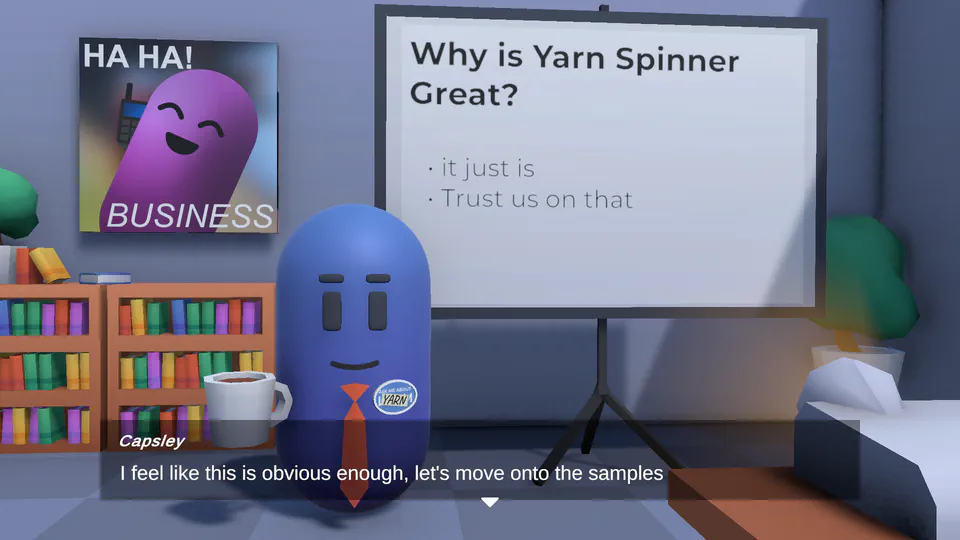
Yarn Spinner for Unity
Requires Unity 2022.3.x or later.
- Get a conversation on screen in minutes: drop the ready-made dialogue system into your scene and press Play.
- Let your writers trigger anything in the game from their script, like playing a sound or moving a character.
- Show dialogue however suits your game, from a simple text box to speech bubbles or a dialogue wheel with our add-ons.
Yarn Spinner for Godot (GDScript and C#)
Requires Godot 4.6 or later.
- Use it from GDScript or C#: there's a version for the standard build of Godot, and one for Godot .NET. Your Yarn scripts import like any other asset.
- Put dialogue on screen with the built-in presenters, and style them like any other Godot UI.
- Let your writers trigger anything in the game from their script, like playing a sound or moving a character.
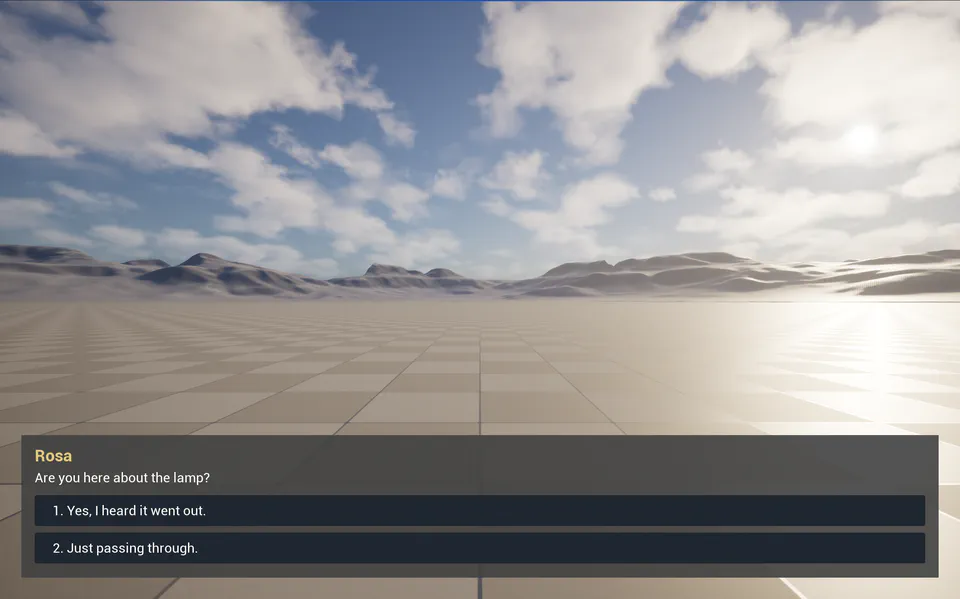
Yarn Spinner for Unreal Engine Pre-release
Requires Unreal Engine 5.7 or later. Using Unreal Engine 4? Contact us at hello@yarnspinner.dev.
- Design how dialogue looks with UMG widgets, right in the editor.
- Connect dialogue to your game with Blueprints, without writing any C++. Or use C++ if you'd rather.
- See what your dialogue is doing while you play, from the current line to every variable, with a debug HUD you can toggle with one key.
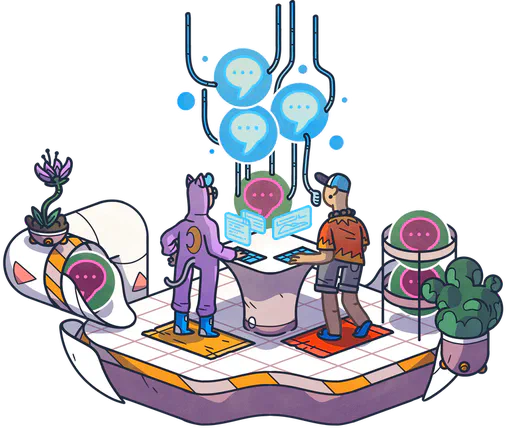


Show dialogue any way you like
Every version of Yarn Spinner comes with free built-in presenters. Classic RPG and Snaaake are included when you buy Yarn Spinner+, and Speech Bubbles and Dialogue Wheel are add-ons for Unity, sold separately.
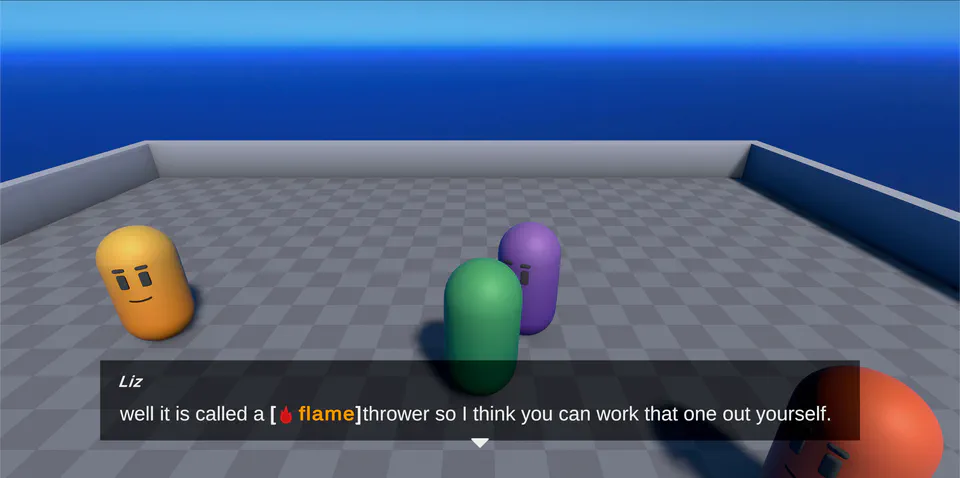 Built-in presenters
Free
Built-in presenters
Free


 Speech Bubbles
Paid add-on
Dialogue Wheel
Paid add-on
Classic RPG
Included in Yarn Spinner+
Snaaake
Included in Yarn Spinner+
Speech Bubbles
Paid add-on
Dialogue Wheel
Paid add-on
Classic RPG
Included in Yarn Spinner+
Snaaake
Included in Yarn Spinner+
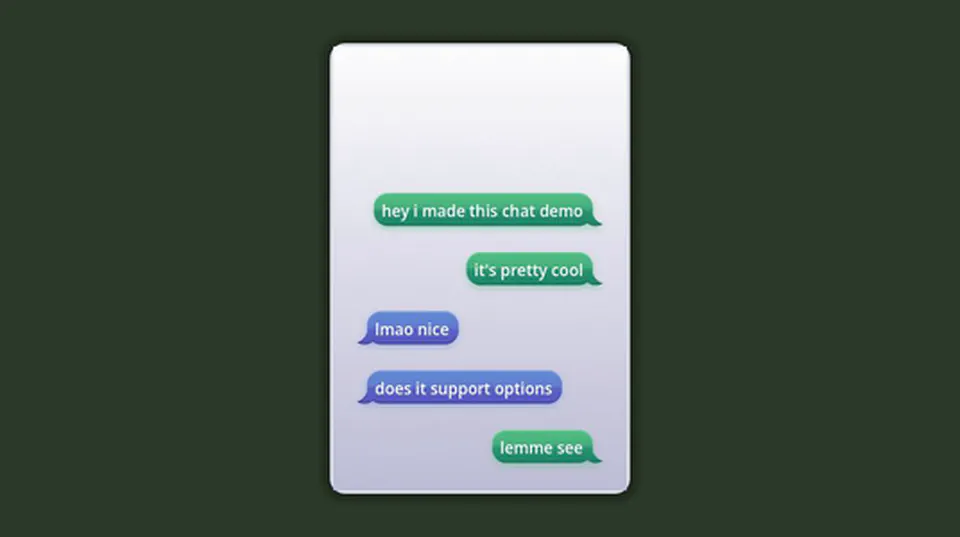 Phone Chat
Free
Phone Chat
Free
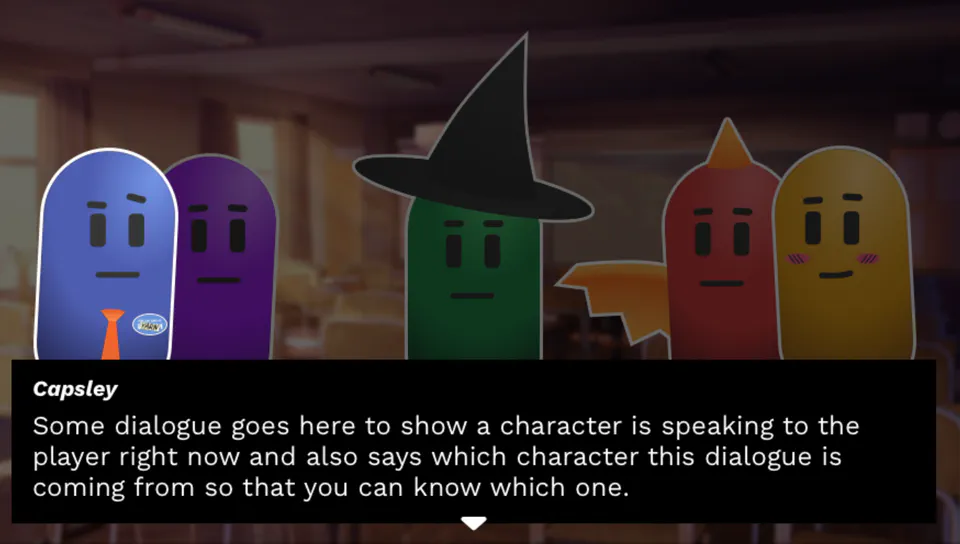 Visual Novel Kit
Coming soon
Visual Novel Kit
Coming soon






Ship in every language, with every voice
Localisation is built in from the start, not bolted on at the end.
Every line gets an ID
Yarn Spinner tags your lines, so translations and recordings stay matched to the right line even as the script changes.
Work the way your translators do
 Work the way your translators do
Export your lines as a spreadsheet, send it off, and bring the translations back in. In Unity you can use Yarn Spinner's own system or Unity Localization, and in Godot it uses Godot's translation system.
Switch languages while the game runs
 Switch languages while the game runs
Players change language on the fly, and voice-over follows the same line IDs in every language you ship.


Go further
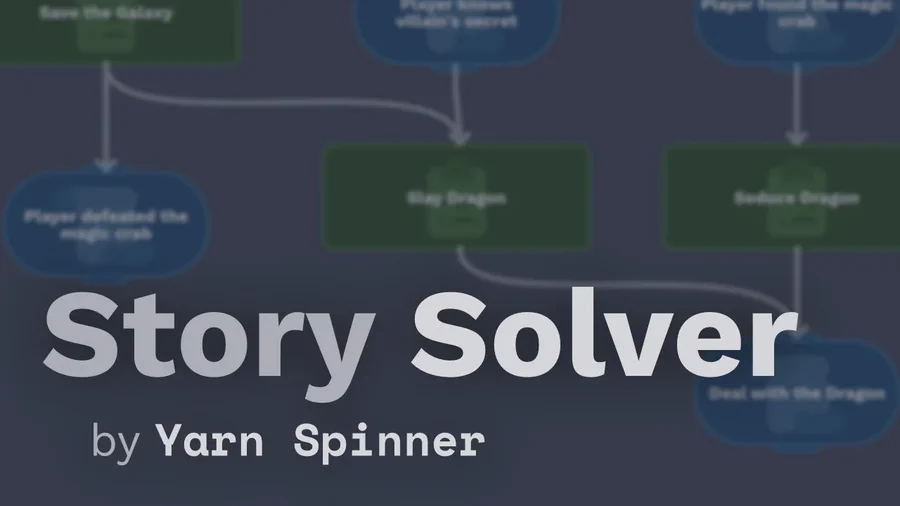
Story Solver
Story Solver checks the logic of your story before your players do. It finds soft locks, nodes nobody can reach, and quests that can end up in a state you didn't plan for.
Watch the preview