Features
Everything you need to create rich, interactive narratives
Write Better Dialogue
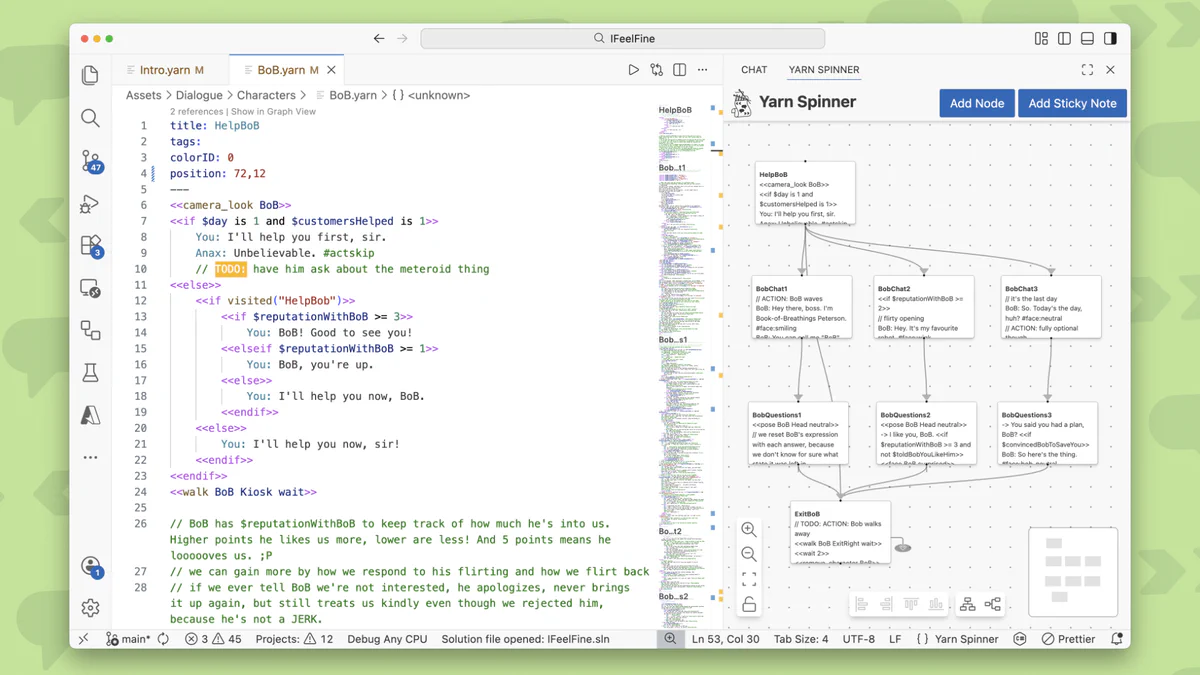
Author your dialogue in VS Code with powerful editing features designed for narrative development.
Syntax Highlighting & Autocomplete
Write with confidence using full syntax highlighting for Yarn scripts. Get autocomplete suggestions based on node names, variables, and commands in your project.
Graph View
Visualize your narrative structure with an interactive graph view that displays nodes and their relationships. Click and drag to rearrange nodes, jump between sections, and see your entire story at a glance.
Preview & Test
Play through your dialogue right inside VS Code without importing into a game. Preview your narrative, test branching paths, and export playable HTML versions to share with your team.
Deep Engine Integration
First-class support for engines with components designed to make narrative integration seamless.
Dialogue Runner
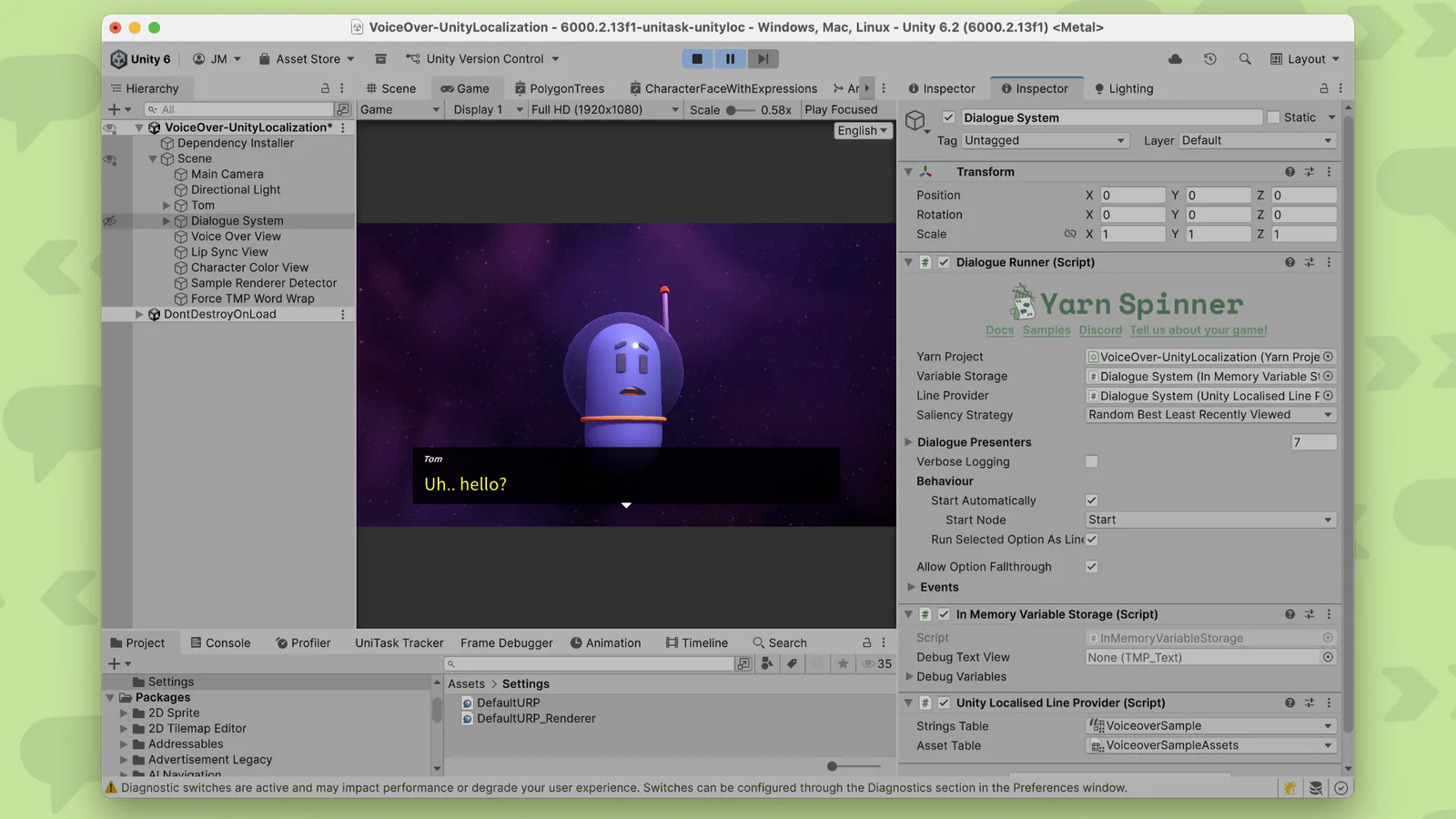
The Dialogue Runner is the bridge between your Yarn scripts and your game. It manages loading, running, and delivering dialogue content to your UI and game systems. Add a complete dialogue system to your scene in seconds.
Easy Setup
Add dialogue to your Unity project in minutes. Simply add the Dialogue System component via GameObject → Yarn Spinner → Dialogue System, connect your Yarn Project, and you're ready to run.
Extensible Architecture
Built with customization in mind. Use the provided components for rapid prototyping, or build custom dialogue runners and views to match your unique game design.
Learn more about Unity integration →Flexible Dialogue UI
Create the perfect dialogue presentation for your game with flexible UI components and customization options.
Dialogue Views
Dialogue Views receive content from the Dialogue Runner and present it to players. Use the built-in views for quick setup or create custom views that match your game's aesthetic perfectly.
Line & Options Display
Present dialogue lines, character names, and player choices with full control over timing, animation, and visual style. Handle everything from simple text boxes to complex cinematic conversations.
Commands & Integration
Seamlessly trigger game events, update variables, and control game state from within your dialogue. Commands let your narrative drive gameplay without breaking immersion.
Learn more about dialogue systems →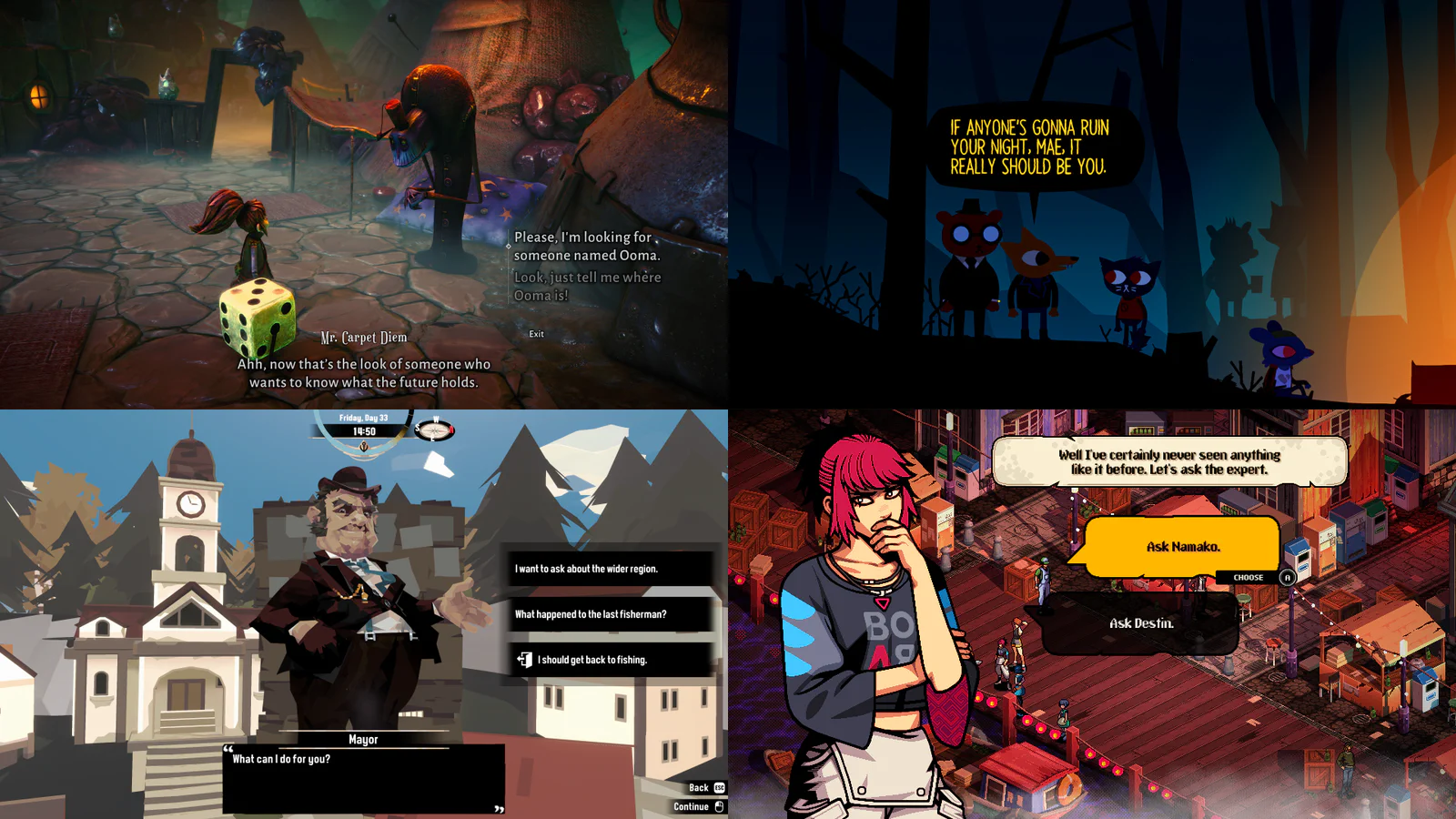
Built-in Localization
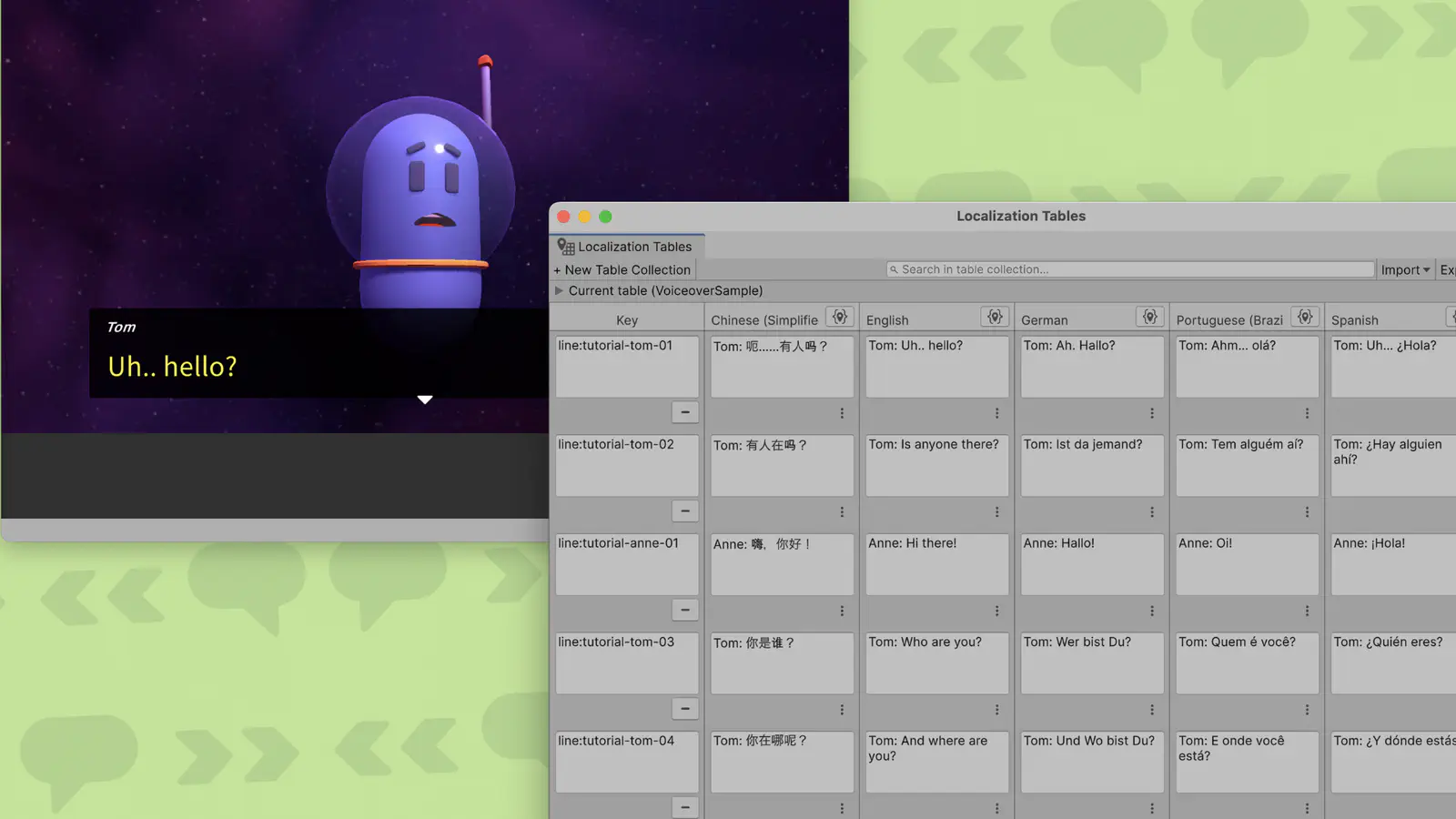
Reach a global audience with comprehensive localization support built into the core of Yarn Spinner.
Export & Translate
Extract all dialogue into strings files for translation. Each line gets a unique ID, making it easy to manage translations and updates across multiple languages.
Multiple Localization Workflows
Choose between Yarn Spinner's built-in localization system for simplicity, or integrate with Unity's Localization package for advanced features and asset management.
Runtime Language Switching
Load translated strings at runtime and switch between languages seamlessly. Support as many languages as you need without duplicating your dialogue logic.
Voice Over Support
Add full voice acting to your dialogue with built-in voice over support. Manage audio assets, sync with localization, and control playback timing across all supported languages.
Learn more about localization →Add-ons & Extensions
Enhance your dialogue with ready-made UI components and effects.
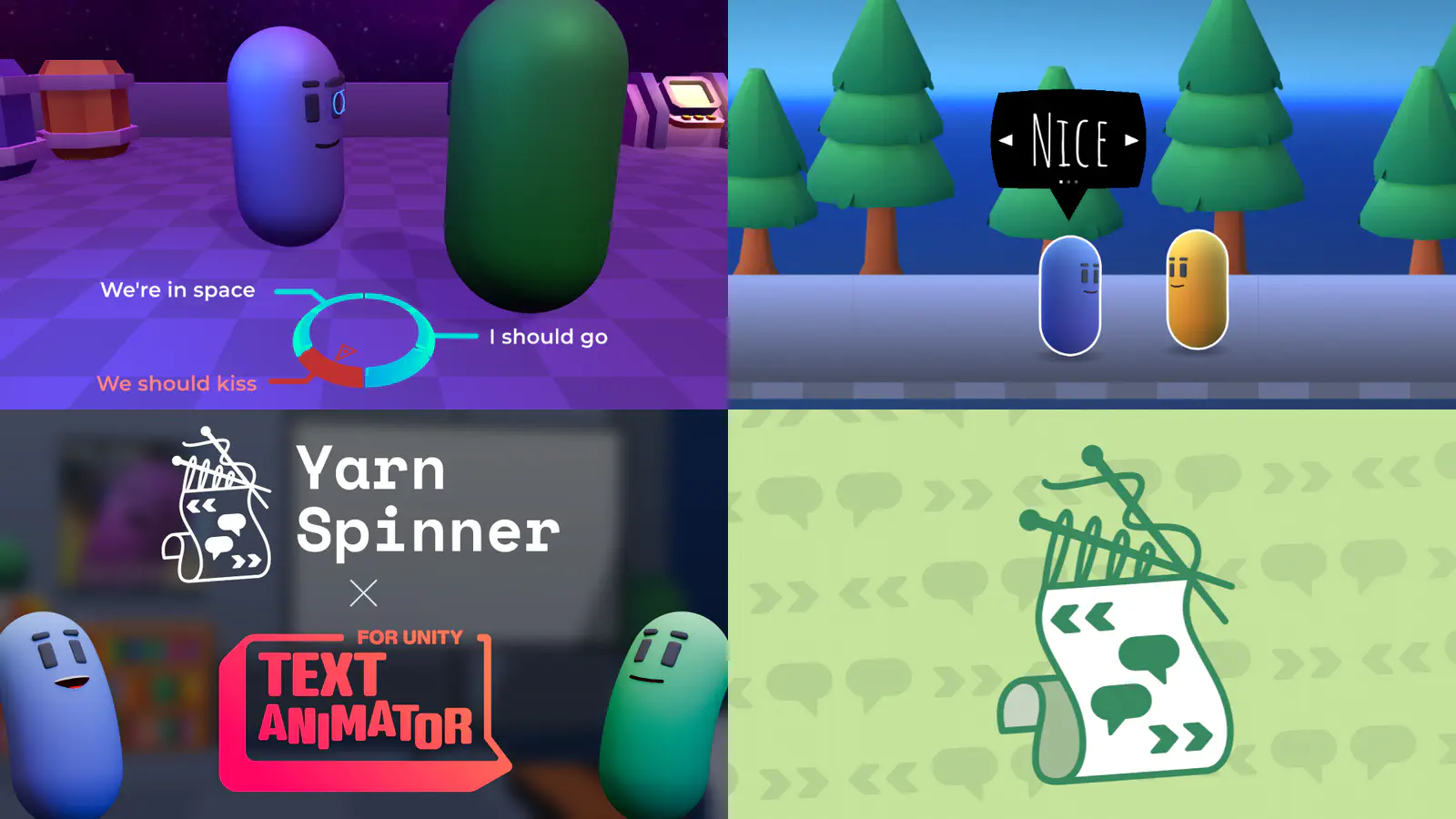
Speech Bubbles
Pre-configured speech bubble system for bubble-style dialogue UI elements. Ready-to-use speech bubbles that work seamlessly with Yarn Spinner.
Dialogue Wheels
Ready-made dialogue wheel component for circular dialogue selection interfaces. Pre-built UI with seamless integration for creating radial dialogue choices.
Text Animator
Seamlessly apply animated text effects within your narrative gameplay using unified markup. Supports multiple tagging modes and works with Text Animator 2 & 3. Included with Yarn Spinner+.
Explore Unity add-ons →