
The samples are small scenes that each show one part of Yarn Spinner for Godot (GDScript), with the Yarn Scripts and GDScript that make them work. Open one, run it, then look at how it’s built.
The samples are a separate Godot project, in the YarnSpinner-Godot-Samples repository on GitHub. They’re for the GDScript version of Yarn Spinner, and don’t work with Yarn Spinner for Godot (C#), which has its own samples.
Getting the samples
- Clone or download the YarnSpinner-Godot-Samples repository.
- Put the addon in the samples project, so that its
plugin.cfgis atres://addons/yarn_spinner/plugin.cfg. The samples project doesn’t include the addon: itsaddonsfolder is empty. Copy or link the addon the same way as for your own project. See Installation. - Open the samples project in Godot, and turn on the Yarn Spinner plugin in if it isn’t on already.
The first time the project opens, Godot imports every sample’s Yarn Project, which takes a moment. If a Yarn Project says “No compiler available”, see The compiler.
Running a sample
Each sample is a folder in samples, with a scene you can run. Open the scene and press Run Current Scene. Running the whole project starts Yarn Basics.
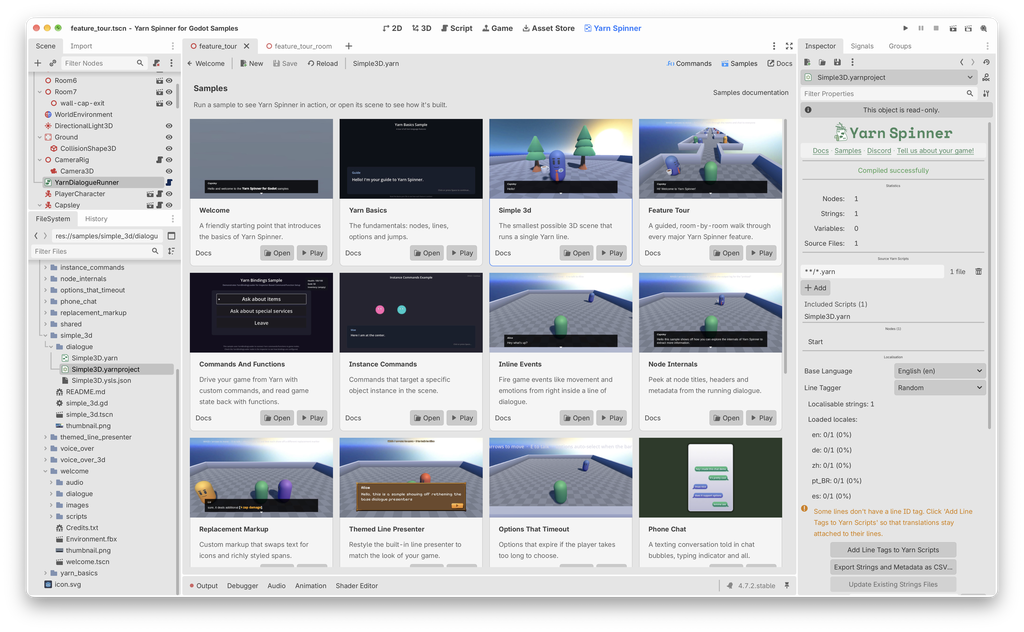
Or use the Samples browser in the Yarn Spinner tab. Click Samples in the tab’s toolbar, and each sample has a card, with buttons to Play it, Open its scene, or read its Docs. See Editor Tools.
What the samples share
Many samples use the same pieces, which are in samples/shared:
samples/shared/uihas the Line Presenter, Options Presenter and option button scenes that most samples use.samples/shared/sceneshas the player and the other characters, and a ready-made dialogue setup that Welcome and Simple 3D use.samples/shared/scriptshas the scripts for moving characters around, following them with the camera, and letting the player talk to a character when they’re close to it.samples/shared/arthas the characters, environments, fonts and textures.
If you copy a sample into your own project, copy what it uses from samples/shared too.
The samples
Getting started
Welcome
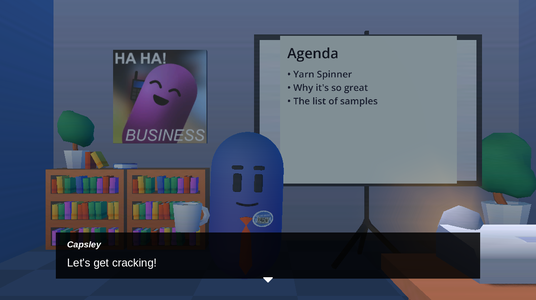
A spoken introduction to the samples, with slides on a projector screen.
Yarn Basics
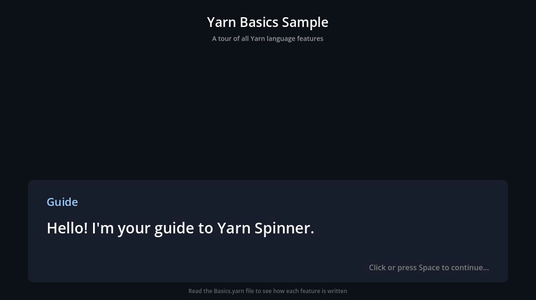
The fundamentals: nodes, lines, options and jumps.
Simple 3D
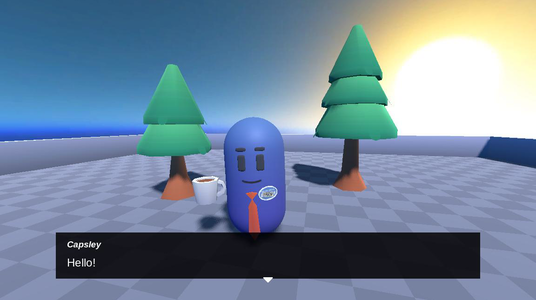
The smallest possible 3D scene that runs a Yarn line.
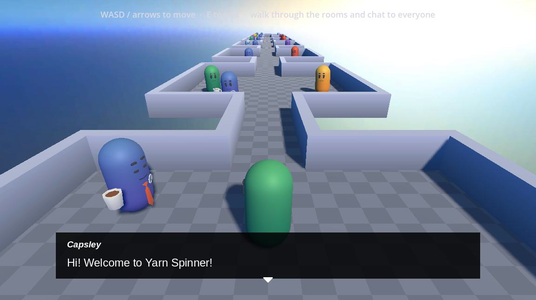
Feature Tour
A room-by-room walk through Yarn Spinner’s main features.
Connecting to your game
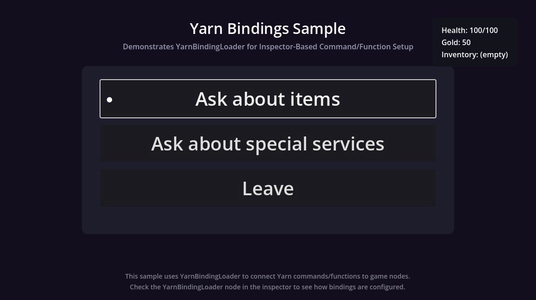
Commands and Functions
Shake the camera, fade the screen and give the player items with Commands, and check health and items with Functions.
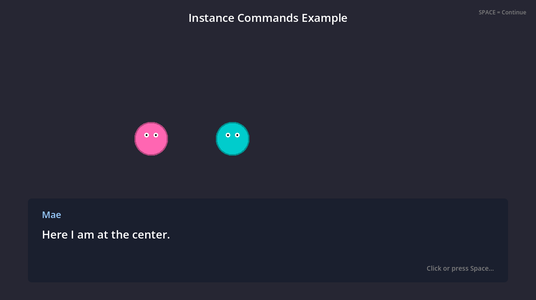
Instance Commands
Commands that act on a particular node in the scene.
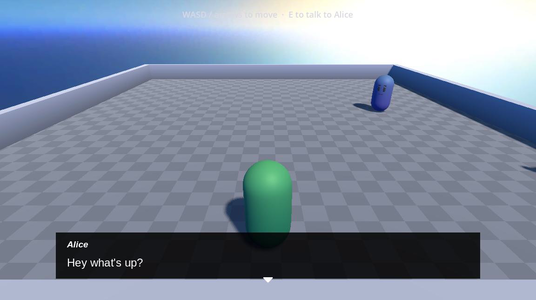
Inline Events
Trigger movement and emotions from inside a line of dialogue.
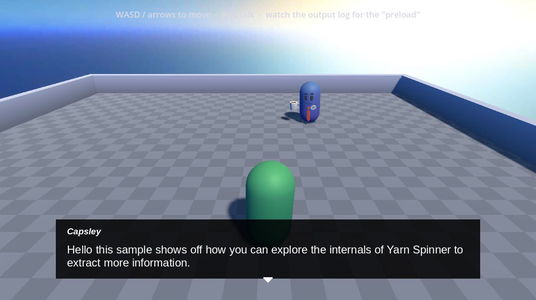
Node Internals
Look through a node’s Commands before it runs, and load what they need ahead of time.
Showing dialogue
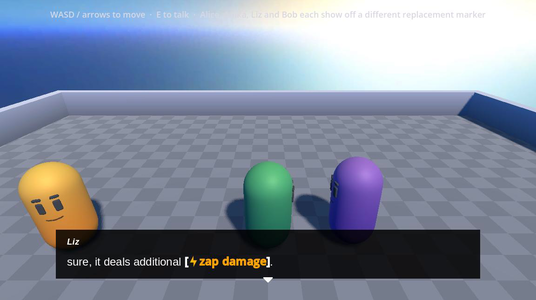
Replacement Markup
Custom markup that swaps text for icons and styled text.
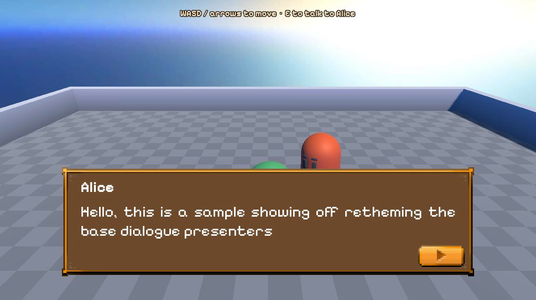
Themed Line Presenter
Restyle the Line Presenter to match your game.
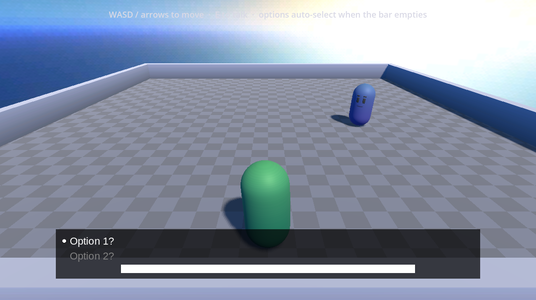
Options That Timeout
Options that run out if the player takes too long to choose.
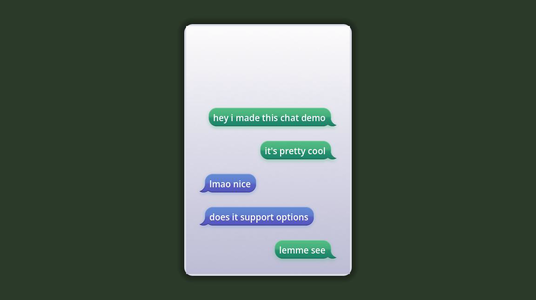
Phone Chat
A text-message conversation, with chat bubbles and a typing indicator.
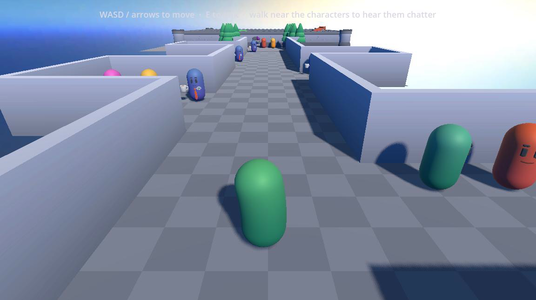
Background Chatter
Conversations between characters around you, with each line above its speaker.
Voice-over
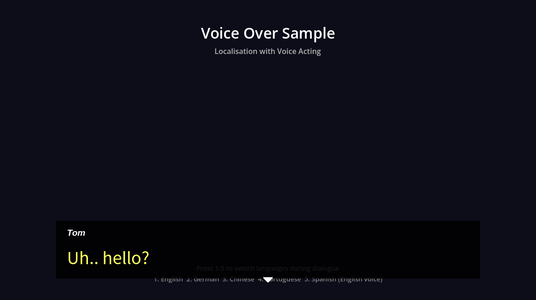
Voice Over
A recorded voice clip for each line, with text and voice in more than one language.
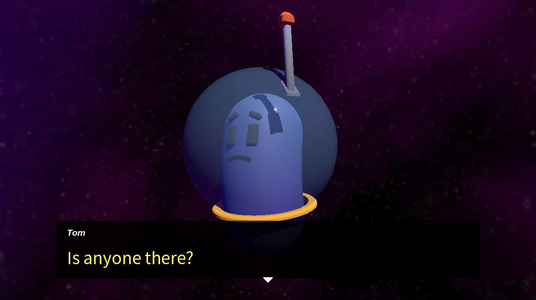
Voice Over 3D
Voice-over in a 3D scene, with a lip-synced character.
Saliency and storylets
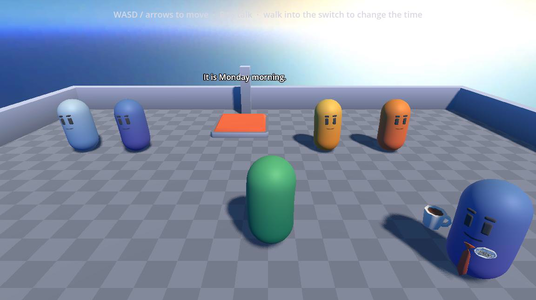
Basic Saliency
Characters say different things depending on the day and time, using node groups and line groups.
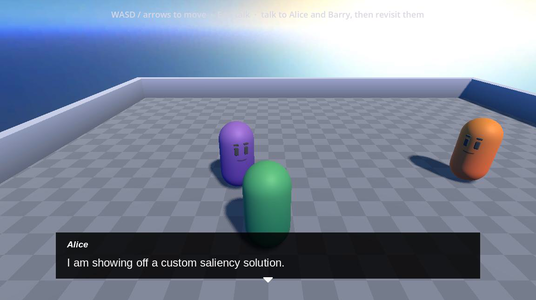
Custom Saliency
A custom saliency strategy that makes some content more likely than the rest.
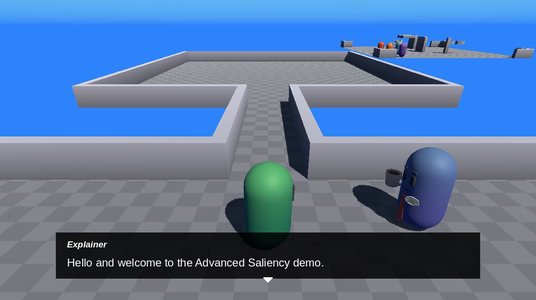
Advanced Saliency
Choose the cast, the room and the scenario, and storylets build the scene.