
Once again, time marches ceaselessly on! It’s the spooky month of the calendar, and that means that the team is busy doing the scariest thing possible: international travel and public speaking. 👻 o o o o O O O O o o o ! 🦇
As a result, I’m taking over the monthly update blog for this month!
Yarn Spinner’s core features#
We’ve been working on a big update on how Yarn Spinner works under the hood. The central core of Yarn Spinner is a little piece of code we call the virtual machine. It’s the chunk of code that reads the compiled Yarn Spinner script and executes each instruction—go here, check this variable, run this line.
When we first built Yarn Spinner—that is, when I was sitting at my computer in a spare bedroom at my grandparents’ place over a decade ago, oh my god—there were certain features of the C# language that just weren’t widely supported in Unity and other game engines. One of these was async-await, which lets code wait for something to happen before continuing. This was never really a huge problem, because there are lots of ways you can implement a feature like this, but it requires more work, and so you tend to make use of it less. On top of that, just like any external constraint, the way that you implement ‘wait for something to happen’ forces your code’s architecture into certain shapes that can make things difficult to build on and maintain.
However! async-await is now much better supported: the underlying support infrastructure needed for it is now built in to Unity, Godot’s signals has been there for ages, Unreal Engine has always had latent actions, and web-based targets have promises.
This is important for Yarn Spinner, because the main thing that Yarn Spinner does—that is, showing lines of dialogue to a player—is something that can’t start and end in a single frame! This means that some notion of “do a thing and wait for some signal to continue” has had to be part of Yarn Spinner since day one. However, because implementing “wait for thing” was extra work each time, Yarn Spinner didn’t support waiting for things everywhere. It also meant that it was challenging to support interruptions and cancellations. Some examples of features that were difficult to implement included functions—it simply wasn’t possible or allowed to create a function that took more than a single frame to return its value, leading to all sorts of annoying workarounds.
So, we rewrote the virtual machine to be async!
Every part of Yarn Spinner’s core machinery now supports async execution. Lines, options and commands are async, just as they’ve always been, but now functions support it too, and cancellations work everywhere.
What does this mean for you? There’s two immediate new things:
Functions can pause dialogue, and take the time they need to figure out their value!
Capsley: Hey, do you have that quest item for me?

// Show the inventory, wait for the player to pick an item, and return it
<<set $chosen_item = pick_item_from_inventory()>>

Capsley: Wow! Thanks for the {$chosen_item}!
Commands can be cancelled!
public async YarnTask Move(Vector3 position, LineCancellationToken cancellationToken) {
  // While we're far from the destination, move towards it.
  // If our token gets cancelled, skip over the rest of the movement.

  while (Vector3.Distance(this.transform.position, position) > 0.05f) {
    // Move closer to position
    this.transform.position = Vector3.MoveTowards(
      this.transform.position,
      position,
      maxSpeed * Time.deltaTime
    );

    if (cancellationToken.IsHurryUpRequested) {
      // We're cancelled! Teleport immediately to the destination and return!
      this.transform.position = position;
      return;
    }

    // Yield so the rest of the game can keep running, we'll come back next frame
    await YarnTask.Yield();
  }
}
This feature will be shipping in the next version of Yarn Spinner, version v3.3. Speaking of…
Yarn Spinner for Unity 3.3#
We’re nearly done with the next release of Yarn Spinner for Unity! In addition to building on top of the async support I mentioned above, we’re also overhauling the way that commands and functions work. Commands and functions can now take (and return!) user-defined objects when you give Yarn Spinner a way to convert between the .NET object and a type that Yarn Spinner can use (i.e. a string, number, or true/false value.)
For example, if you want commands to be able to refer to named tools, you previously had to do all of the lookup inside the command’s definition. Now, all you need to do is create a ‘converter’ method, and Yarn Spinner will find it and invoke it when needed.
public class Tool {
  public string Name { get; set; }
  public int Durability { get; set; }
}

[YarnConverter(typeof(Tool))]
public static bool TryGetTool(string input, out Tool value)
{
  value = /* use 'input' to get a Tool instance */ ;

  return true;
}

[YarnCommand("dig")]
public static void Dig(Tool tool)
{
    Debug.Log($"I am digging a hole with {tool.Name}!");
    tool.Durability--;
}
With this in place, using tools in commands is as easy as this:
<<dig pitchfork>>We’re also making it a lot easier to work with enums in your functions and commands. If you’ve got an enum that’s defined in Yarn Spinner, you can tell the commands system what Yarn enum type it should be:
<<enum FoodType>>
    <<case Apple = "apple">>
    <<case Orange = "orange">>
    <<case Blueberry = "blueberry">>
<<endenum>>

<<if has_food(Food.Apple)>>
  <<eat_food FoodType.Apple>>
<<endif>>
[YarnCommand("eat_food")]
public static void EatFood([YarnEnumParameter("FoodType")] string foodType)
{
Debug.Log($"Eating a {foodtype}, nom nom nom");
}
[YarnFunction("has_food")]
public static bool HasFood([YarnEnumParameter("FoodType")] string foodType)
{
// Check to see if the player has this type of food
return true;
}This, on top of the async work, has been an enormous amount of work, but we think it’s well worth it—on top of the things we’re shipping in v3.3, this gives us the foundation for some extremely exciting future features. Yarn Spinner v3.3 will be shipping very, very soon. Get excited!
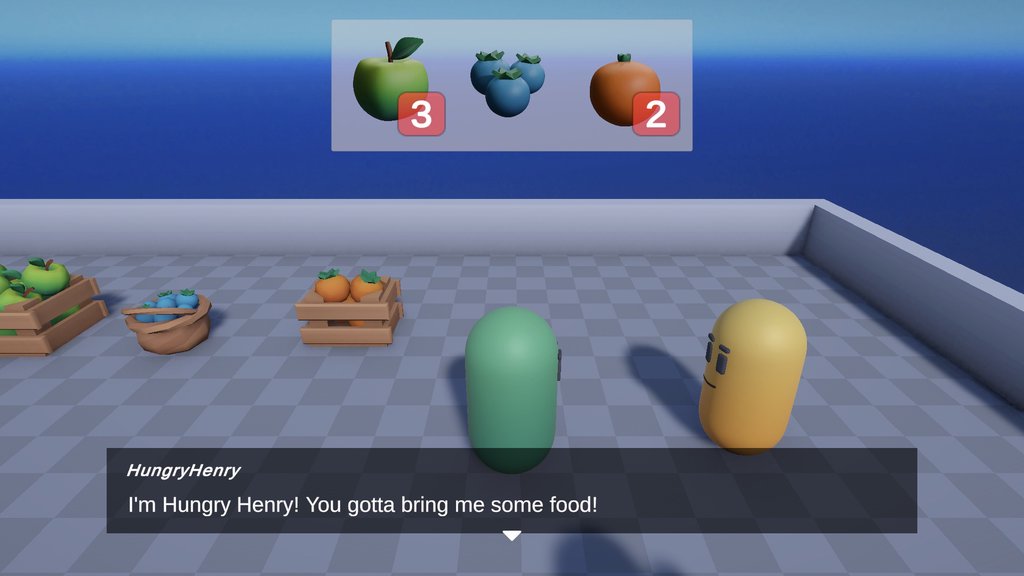
To commemorate this new command and function functionality—include durative and cancellable actions—we’ve added a new project to our samples package that demonstrates how to create and make the most of these types of cues in your Yarn scripts.
Story Solver#
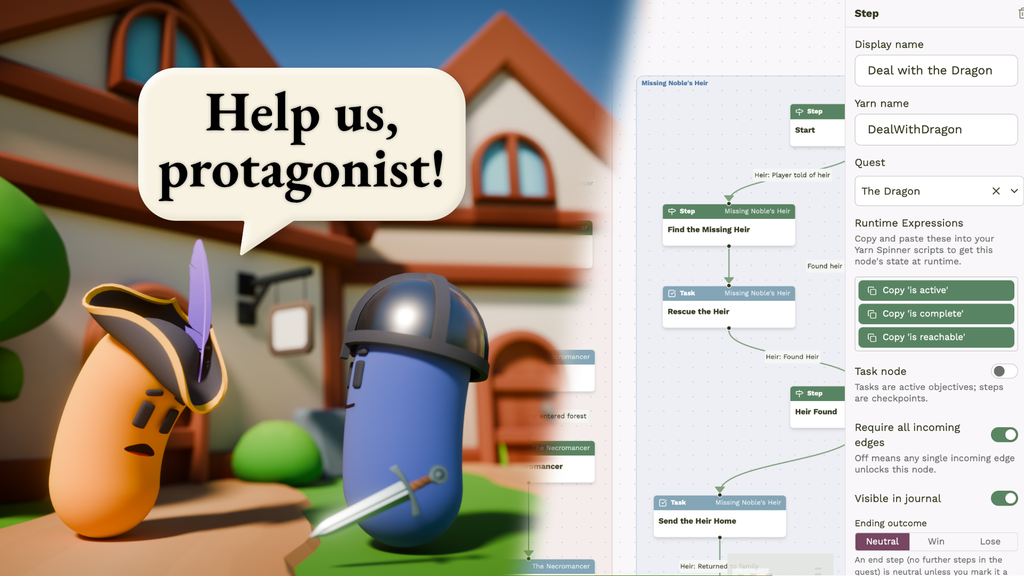
Story Solver, our quest design tool that can prove your story has zero bugs, is coming along! The core functionality of it has been rock-solid for a while, and we’re now creating sample scenes and writing up documentation on how to use it.
Story Solver is a tool that lets you plan and build sequences of content, ranging from simple linear stories all the way up to massive, intertwining plots. In Story Solver, you build a quest graph that links up all of the story beats and objectives, and then you use that graph in-game to manage the player’s game state.
On top of that, Story Solver uses advanced automated theorem provers to check the story, which lets lets detect bugs in your game’s story like lines of dialogue being unreachable, or if your player can ever be in a narratively-impossible state.
Finally, Story Solver can connect to your running game and let you check and modify your story state at runtime. This is an absolute game-changer for testing, because it means you can fire up the game, tell it you want to be in the final chapter, and it’ll create a perfectly valid and complete game state for you. No more loading the final level, walking up to your best friend, and being greeted like they’ve never met you before!
Story Solver’s one of the most ambitious things we’ve ever built, so we’re taking the time to make sure we do it right. We’re getting ready to widen our testing for Story Solver, and we’ll post an announcement on socials and here on the blog when we’re ready to accept more people. If you’ve already contacted us about it: you’re already on the list, and we’ll be in touch!
Some new paid offerings!#
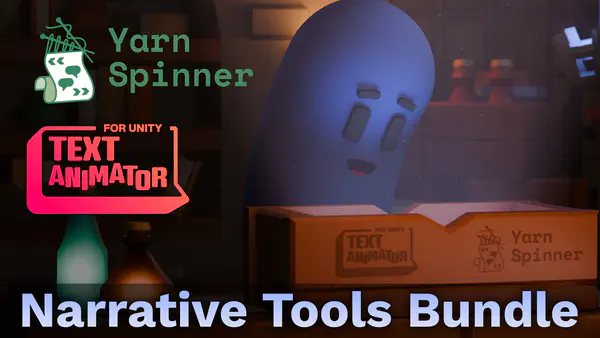
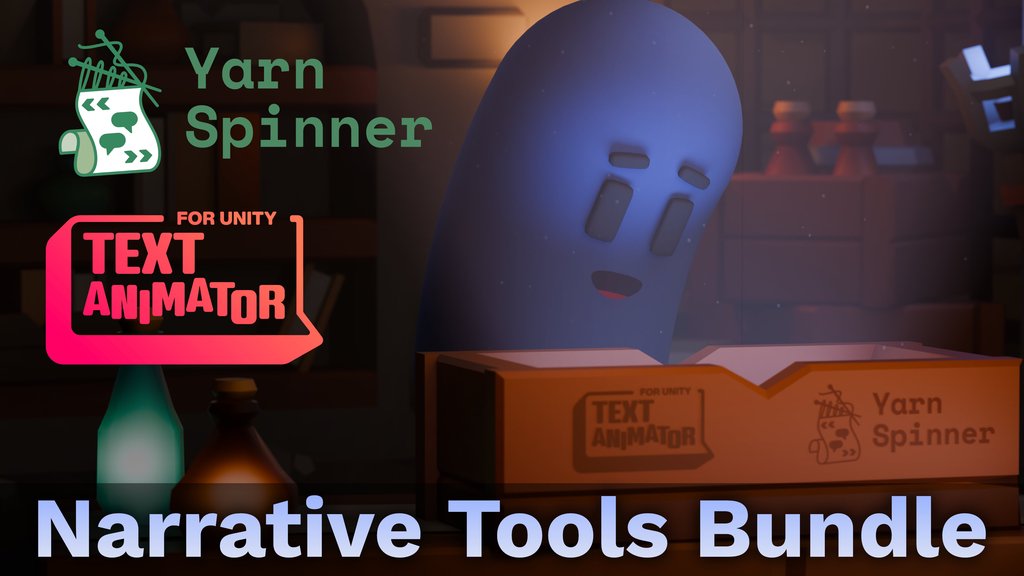
We teamed up with our friends at Febucci to offer a bundle of Text Animator and Yarn Spinner+ for Unity. Text Animator is one of the most popular tools for adding flavour to text in games across multiple engines, and Yarn Spinner+ contains all the integration convenience you need to add TA effects with simple markdown in your Yarn scripts. These two tools are perfect together, and now you can get them both at a serious discount on itch.io!
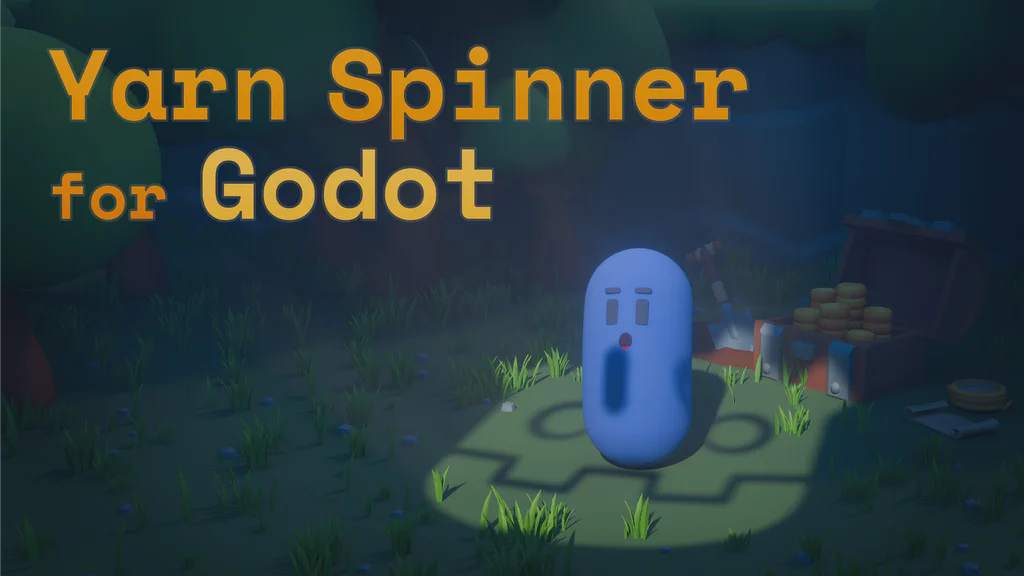
And just like we offer Yarn Spinner+ for Unity as a convenience option with added third-party integrations and stylish starter views, we are now pleased to offer Yarn Spinner+ for Godot (GDScript)! It includes the same starter views as the Unity version, implemented natively in Godot, and we’ll be adding more to it in the future. For now, we’re celebrating GDScript leaving beta and reaching this milestone with a launch discount on the Plus version.
So why not treat yourself to:
We really appreciate when people are willing and able to upgrade to our paid versions, as those sales increasingly fund our work, in between our regular contracting and grants that are increasingly precarious.
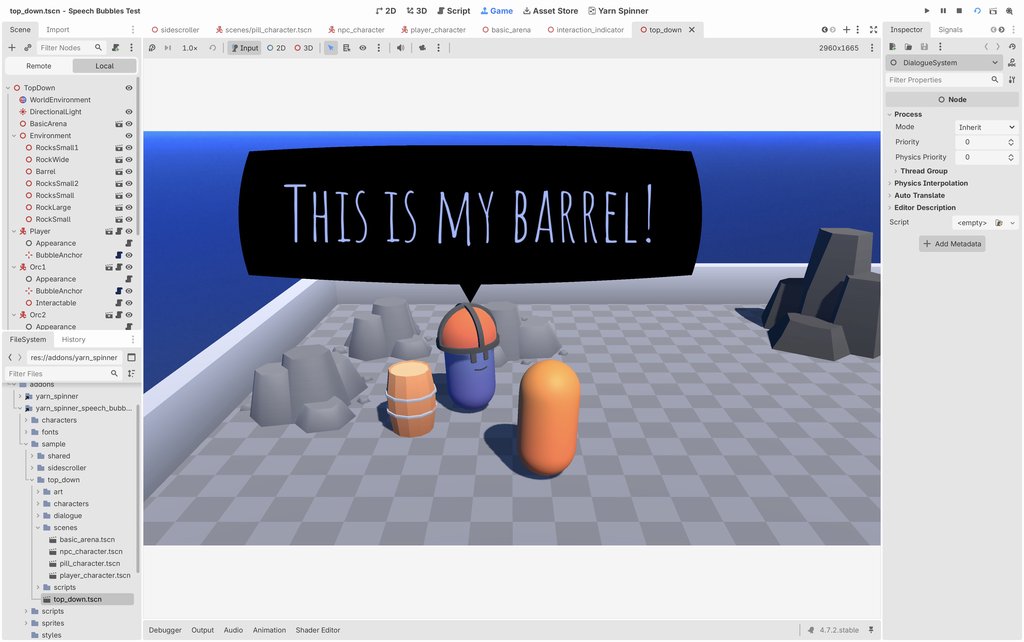
In addition to Yarn Spinner+, our current paid add-ons from the Unity side - Speech Bubbles and Dialogue Wheel - are also being ported over, and will be available for sale soon!
Business Business Travel#
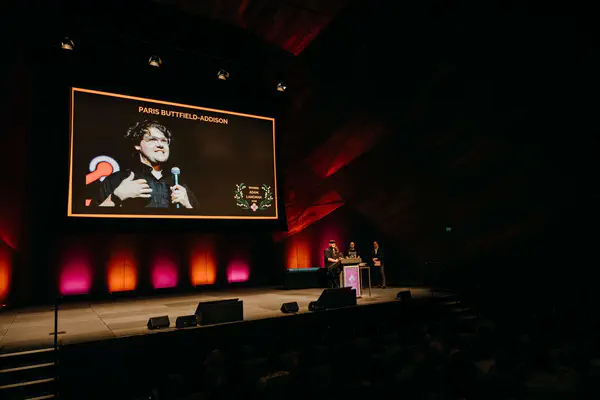
The team is far-flung around the world this month, with Paris and Tim at game events in Bangkok, Thailand (gamescom asia); Munich, Germany (GodotFest); and London, UK (AdventureX) for game events. At the same time, Mars is at a dry academic conference in Perth, Australia—so if you see the Yarn Spinner account being sassy online, that’s why.
But while we’re out and about, we’re keen to chat to people about what they need Yarn Spinner to do or what they’re using Yarn Spinner for. And we prepared loads of demos to show off all of our existing tools, as well as the things we’re working on internally that may not be on the internet yet. To learn the secrets, you’ll have to come find us; luckily, we have a new events page where you can see our movements at events, and book a time to chat!
Fun Stuff#
We did a bit of a refresh on a bunch of pages on our site! You’ll see more of Torbo’s art across the site.
We launched Mates’ Rates, our co-development offer for indies who need some help at the start, middle or end of their development!
October was the month of Steam Next Fest, where thousands of devs take the opportunity to show snapshots and sneak peeks of their creations to the world for free. It’s a joyous time of year. Despite issues around overcrowding and poor-quality submissions in the overall festival, the showing of Yarn Spinner games was particularly impressive. We only had time to play about a dozen demos properly, but there were almost 40 on our shortlist to check out. Here are some standouts:


And good news if you enjoyed Curse of Resthaven too, because it’s out now!
Summary#
- We’re almost done with a serious upgrade to Yarn Spinner’s internals!
- This also means we’re nearly ready to ship version 3.3 of Yarn Spinner for Unity!
- We shipped Yarn Spinner+ for Godot (GDScript!)
- We partnered with Febucci to offer a bundle with Yarn Spinner+ for Unity and Text Animator for Unity!
- Story Solver is getting closer and closer!
- We launched Mates’ Rates!
- We’ve done more polish and additions to our website!
- We’re also doing this while doing events and conferences! We’re tired!
Header image: the skyline of Bangkok, Thailand, taken by Paris during Gamescom Asia on his trip.
Unless otherwise noted, the content of this post is licensed under Creative Commons Attribution-NonCommercial-ShareAlike 4.0 International (CC BY-NC-SA 4.0). Logos, screenshots, and artwork shown in this post remain the property of their respective owners and are not covered by this license. The Yarn Spinner logo and branding imagery are also not covered by this license.